
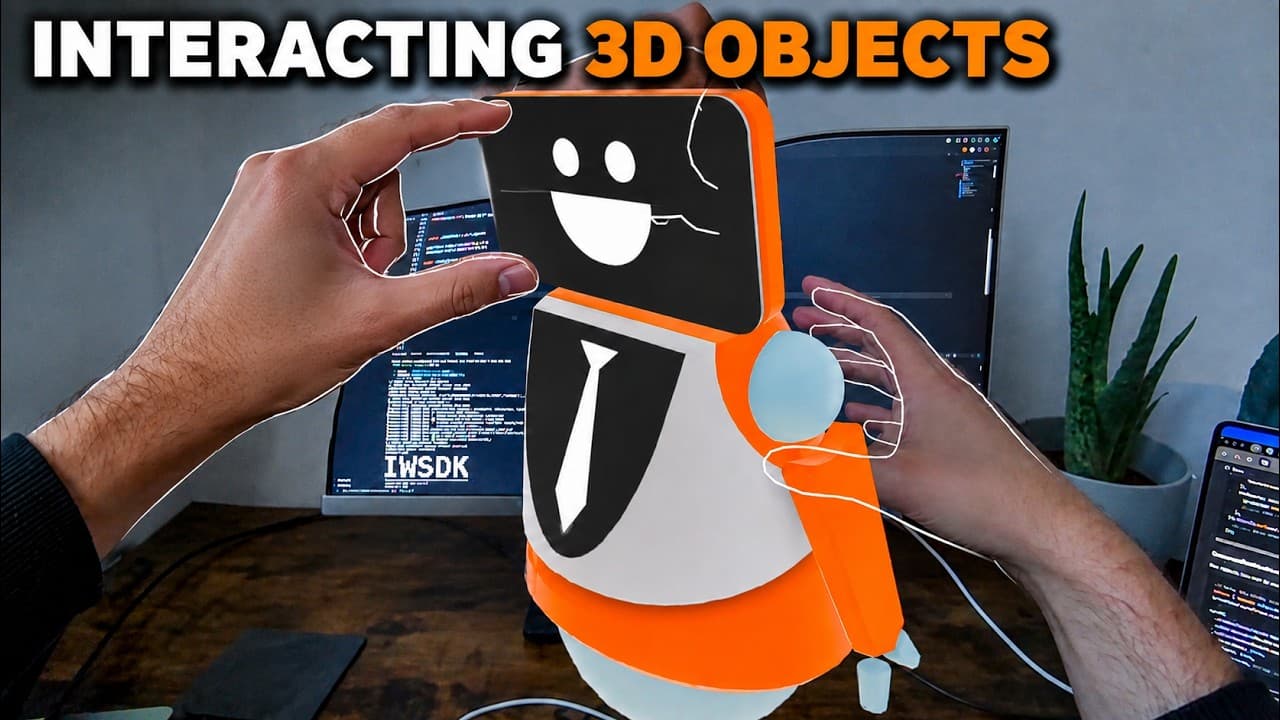
Grabbing a 3D object sounds simple until you try it in a headset. One-hand, distance and two-hand interactions each solve a different problem, and they work best when the scene does not force one interaction everywhere.
Making 3D objects interactable with hands or controllers is actually super simple in the Immersive Web SDK. In this tutorial I start with a mostly empty scene, spawn a robot and add the components that let it respond to a mouse, a controller or your hands.
Three ways to grab the same object
The first step is a small spawnRobot function. It gets the robot GLTF from the asset manifest, creates a transform entity, positions the mesh in front of the camera and adds an interactable component. Once that is registered with the world, the object can respond to input instead of being just another mesh in the scene.
The first grabbing option I test is distance grabbable. In the browser simulator I can hover over the robot and pull it toward my position. The same idea works with a controller ray, so it is useful when the object is too far away to reach comfortably.
There are a few different components available: distance grabbable, one-hand grabbable and two-hands grabbable. The two-hand version is the one to use when you want the user to move, rotate and scale the object. That is especially useful for product visualisation or any tool where the size and orientation of an object matter.
Interaction is also a design decision
The interaction component also lets you decide which transformations are enabled. Translate, rotate and scale can be turned on separately. That gives you a useful amount of control without having to build the whole interaction system yourself.
The first test in the headset is quite nice because you can immediately feel whether the object is in the right place. I can grab the robot and rotate it, but scaling does not work with the distance interaction in this test. After swapping the component for two-hands grabbable, I can stretch the robot and make it bigger or smaller.
Test it with your hands, not only with a mouse
That is why I always test both the browser simulator and the headset. The browser is fast for checking the code and trying different components. The headset tells you whether the distance, scale and reach actually feel right. You can open the same local address on a Quest or another device on the same Wi-Fi and see the changes immediately.
The result is a simple WebXR scene, but the bigger lesson is about choosing the right interaction for the space. When grabbing, distance selection and two-hand manipulation are treated as different tools, the experience becomes much easier to understand and much more comfortable to use.